DSLR Photo Booth Software for Canon Cameras
Run a professional photo booth with your Canon EOS camera on Windows: stable camera control, print-ready photos, AI effects and QR sharing in one app.
What is DSLR photo booth software?
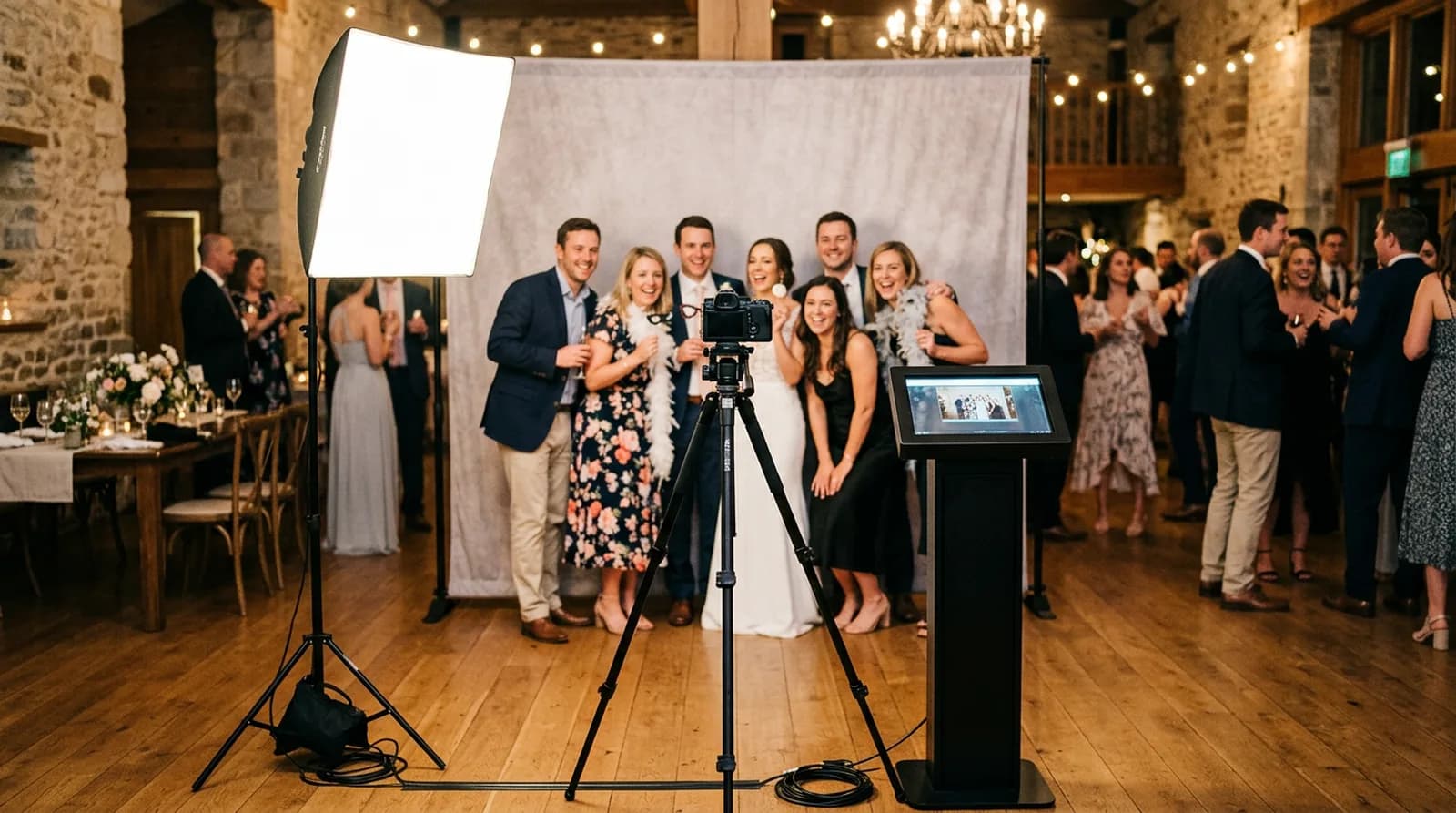
DSLR photo booth software connects a DSLR camera to a computer and runs the whole booth: it triggers the camera, applies your branded frame, and delivers each photo as a print or a QR download. RockCam's Windows app is optimized for Canon cameras with stable integration, controlling the camera directly through Canon's SDK so captures stay fast and reliable through a long event.
Why run your booth on a DSLR
- Image quality
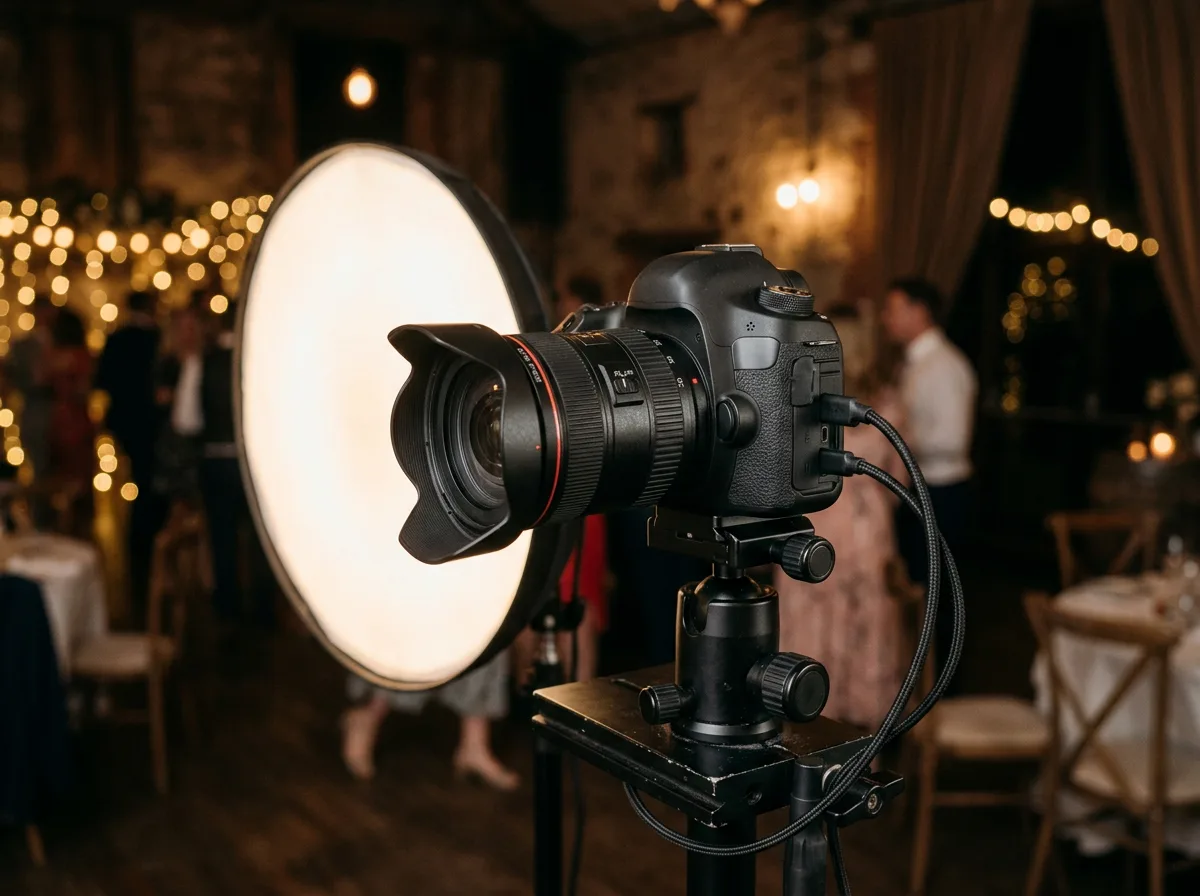
- A real sensor and lens give sharper, cleaner photos than a webcam or tablet camera, especially in dim venues.
- Print-ready files
- High-resolution captures hold up on prints and on large screens.
- Consistent results
- Manual exposure and white balance keep every guest's photo looking the same, shot after shot.
How it works
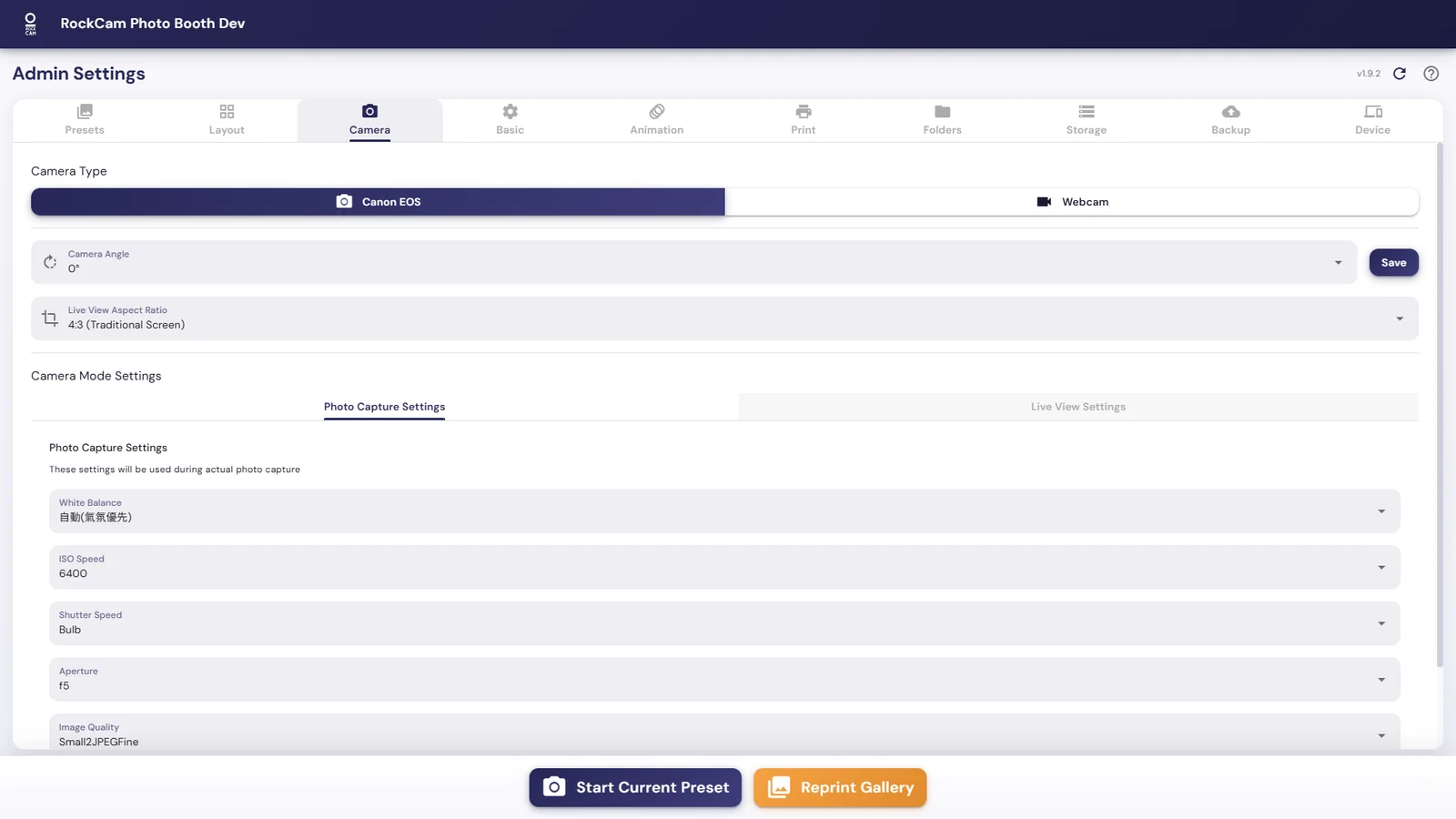
- 01Connect your Canon EOS camera by USB, ideally with an AC power adapter.
- 02RockCam detects the camera automatically.
- 03Choose where photos are saved: straight to the computer, or to the camera's SD card as a backup.
- 04Add your PNG frame, then print or share by QR code.
Add AI on top of DSLR quality
Shoot with your DSLR, then turn each photo into something guests want to share.
- AI face swap
- AI face restoration that keeps everyone recognizable, even in group shots of five or more
- AI background removal
- QR code sharing
- Instant printing
- Branded PNG frames
AI features and QR sharing need an internet connection; the non-AI booth also works offline.
No DSLR at a small event? The RockCam iOS app runs the booth on iPhone / iPad.

DSLR photo booth software FAQ
What is DSLR photo booth software?
It is software that connects a DSLR camera to a computer and runs an event photo booth: it triggers the camera, applies a frame, and delivers photos as prints, QR downloads or a live gallery.
Which cameras does RockCam support?
RockCam is optimized for Canon cameras with stable integration: Canon EOS DSLR and mirrorless cameras, both crop-sensor and full-frame, controlled through Canon's SDK. Webcams are also supported.
Do I need an internet connection?
AI features and QR sharing need a stable internet connection. Shooting, frames and printing without AI also work offline.
Can I use my own branded frame?
Yes. Import your own PNG frame overlays and RockCam applies them to every photo.
Is there a free version?
Yes. The free version is free forever with a RockCam watermark. It includes Canon and webcam capture, QR sharing, instant printing and 50 AI credits after email verification.
How much does RockCam cost?
The Base plan is US$42.99 per month or US$329.99 per year, with a 2-device license. AI is pay-as-you-go, with no separate AI monthly fee.
Turn your Canon camera into a pro photo booth
Start free, connect your camera, and run your first event with RockCam.